Labels and scanning
Which scan do I use?
Scan to sell, Scan to view, Show mode or a sales report import. Here's when to use each.

Kilito has a few ways to scan a label. Each one does a different job.
The quick rule
Buyer in front of you? Use Scan to sell.
Sold online (eBay, Whatnot, Shopify)? Use Import sales report.
Want your price, melt and talking points while you sell? Use Show mode.
Just looking something up? Use Scan to view.
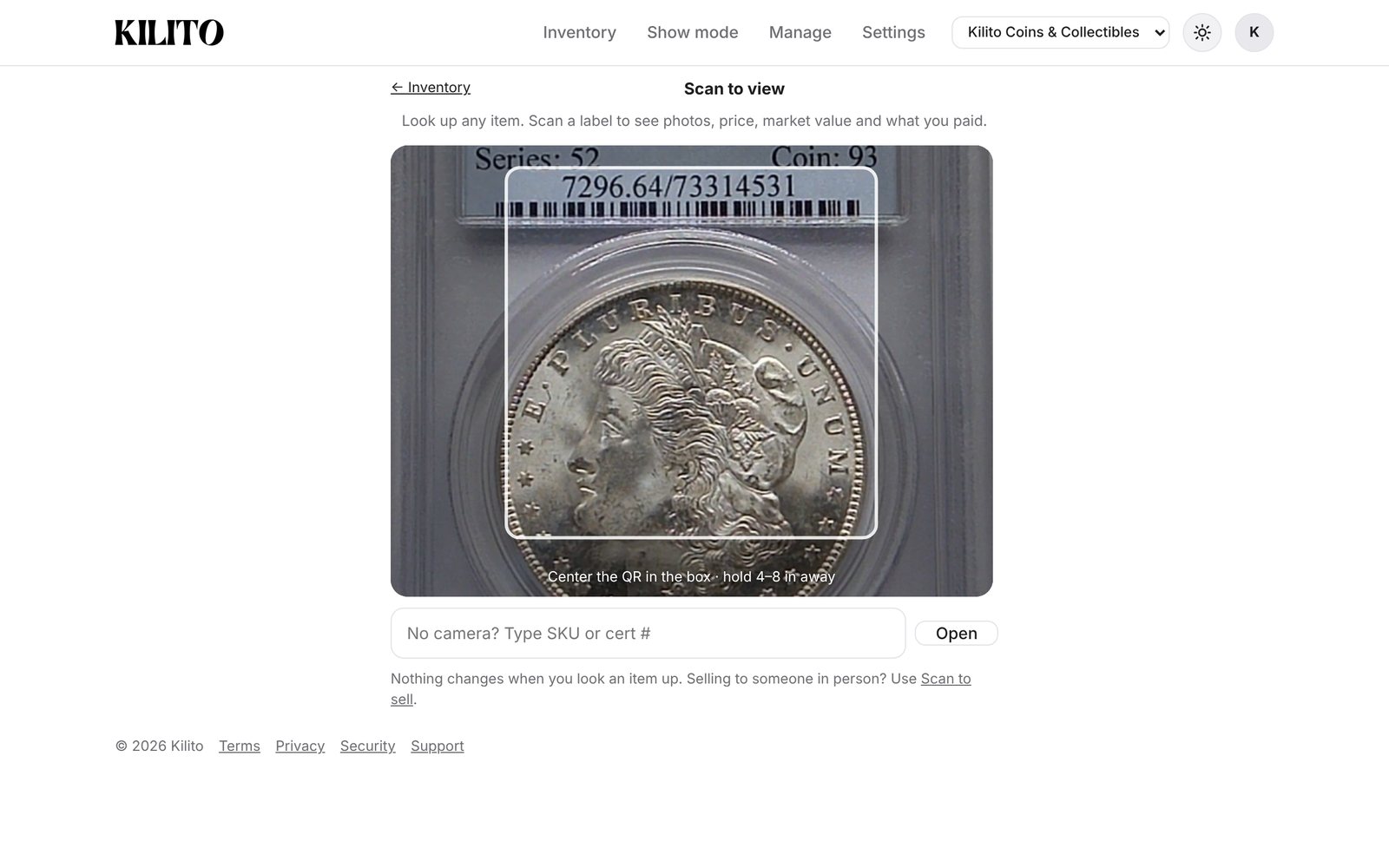
Scan to view
Look up any item. Scan a label to see photos, price, market value and what you paid. Nothing changes when you look an item up. On a phone it's the Scan tab.
Scan to sell
For in-person sales: coin shows, club meetings, walk-ins and dealer buys. Scan the label, confirm the price, tap Sold. You get a running total and a pack list.
Show mode
Your table screen. Scan a label to see your ask, melt and talking points while you sell. Nothing is marked sold unless you tap Mark sold.
Import sales report
Sold on eBay, Whatnot or Shopify? Import the report instead. It marks everything sold and adds the real fees.


